Spreadsheets that never match
Every auditor sends results in a slightly different shape, and merging them takes days.


Retail audits
Grouped surveys turn a repeat checklist into pooled data. Write the audit once, load your store list, and watch results build store by store, with every photo kept against the answer it proves.
The problem
Every auditor sends results in a slightly different shape, and merging them takes days.
Without targets per store, nobody knows which branches still need a visit.
Hundreds of photos arrive with no link to the store or the question they answer.
How it works
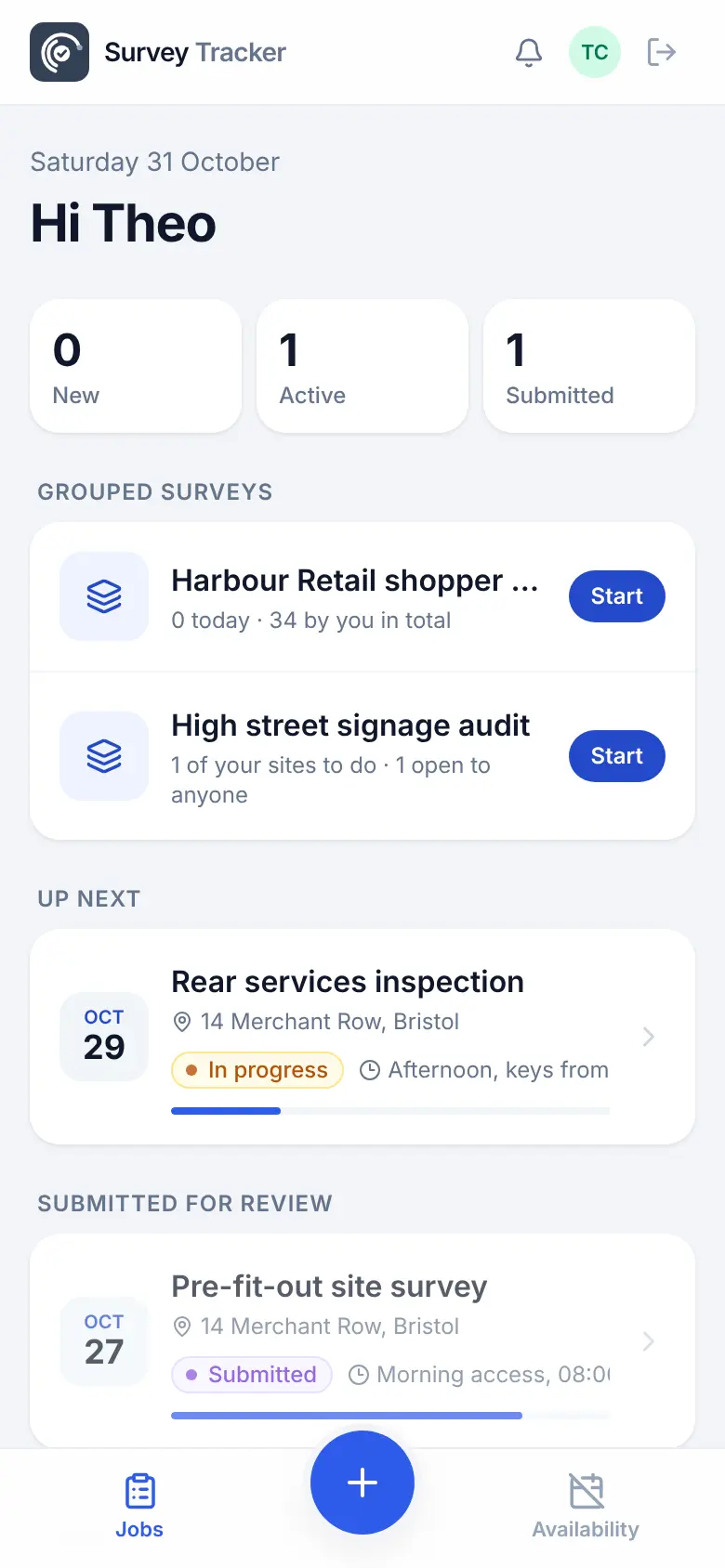
The office plans and approves on the desktop. The team in the field works from a phone app that keeps going with no signal.
Questions like 'Is the main sign lit?', with photos where they matter and rules for when to ask.
Import stores from a spreadsheet, tag them (24 hour, car park, high street) and set a target per store.
Submit and start the next one. The phone remembers where they are.
Tap any answer to filter every chart. Slice by store, auditor or date.
Tick a page of responses and approve or reject them in one go.
Build a branded analytics PDF, export to CSV and download every photo as a zip.
Features
One questionnaire answered many times, with pooled results across every response.
Stores with tags and a target number of visits each, so coverage is always visible.
Only ask about the car park sign at stores tagged as having a car park.
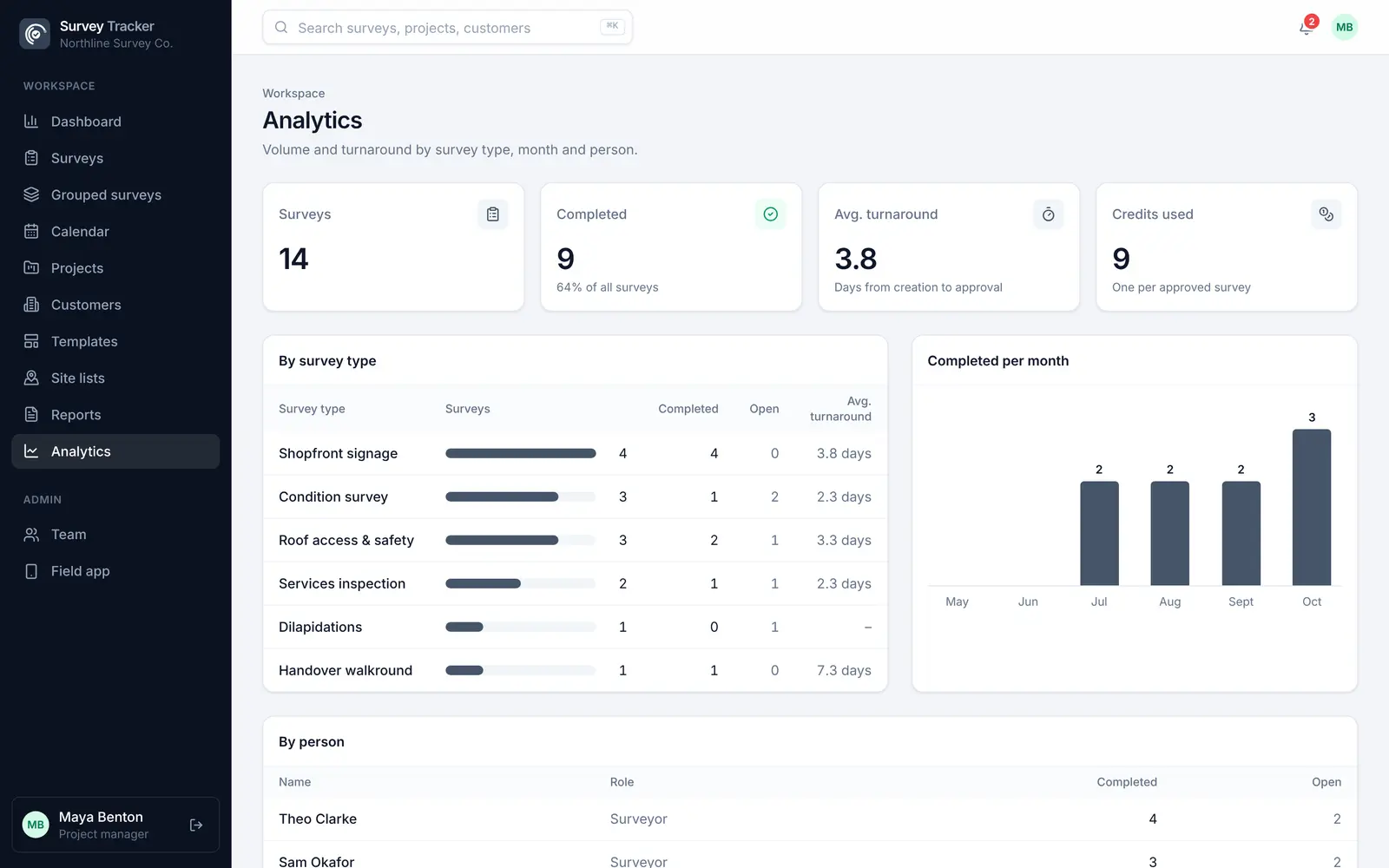
Charts that update as responses arrive, filtered by store, auditor, date or any answer.
Pick and order the charts and photos for a branded analytics PDF.
Every photo in one zip, and every answer in a spreadsheet.
Example template
Build your own template once, with the question types you need, and reuse it on every job. Required questions can't be skipped, and rules hide questions that don't apply.
Template
Questions
A normal survey is one visit to one site with one report. A grouped survey is one questionnaire answered many times, across many stores or people, with the answers pooled into charts you can filter.
Yes. Import stores from a spreadsheet, tag them, and set a target number of visits per store. Progress against each target shows as audits come in.
Yes. Export every response to CSV, download all the photos as one zip, or build a branded analytics PDF with the charts you choose.
Yes. Responses save on the phone and send themselves when signal returns.
Get in touch
Tell us a little about your team and we'll set up a demo using the kind of surveys you do every day. Or jump straight into the live demo.