A tick with nothing behind it
Paper checklists say a check was done, but not what the inspector actually saw.

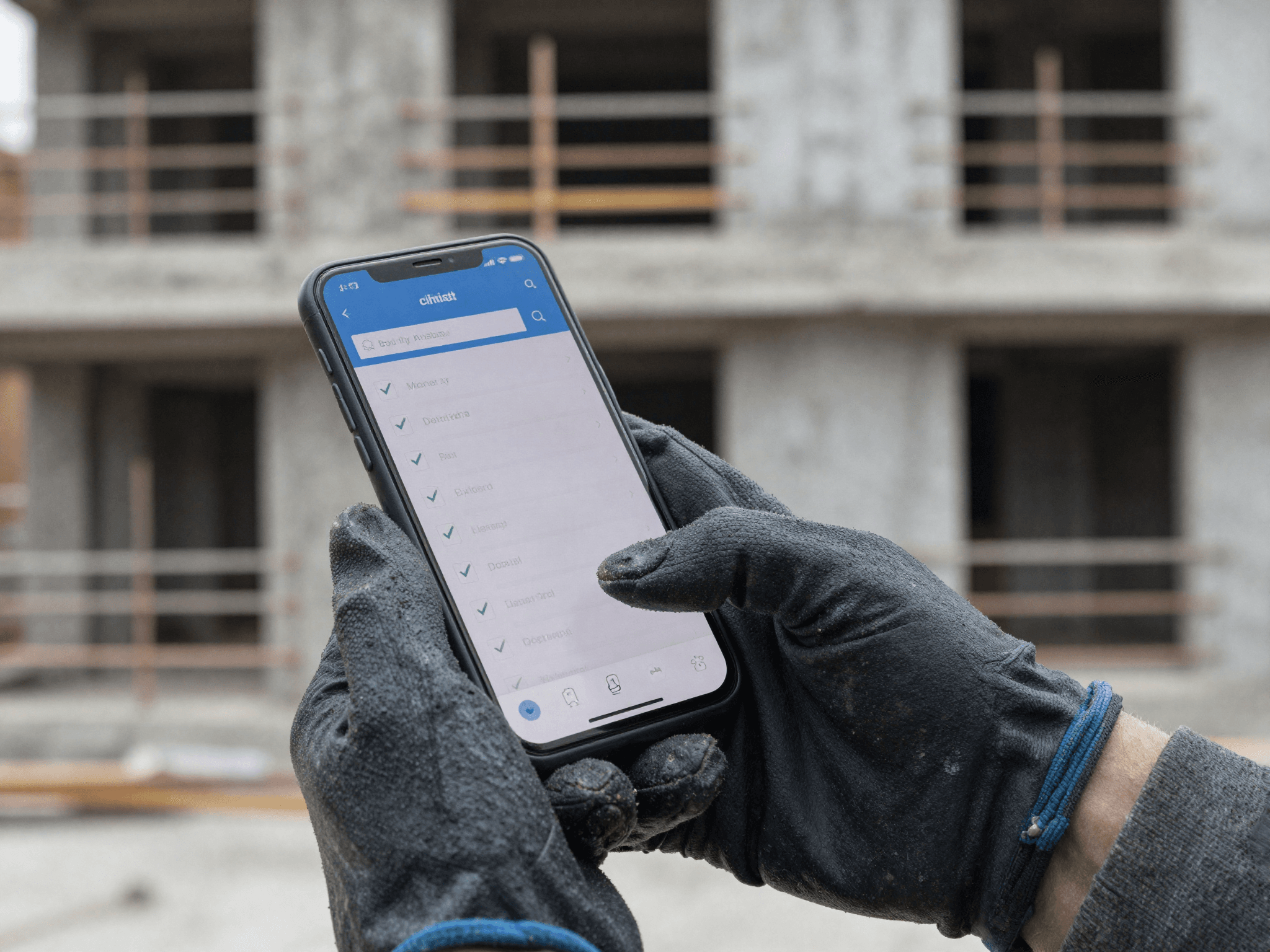
Health, safety and compliance
Pass or fail checklists where a failure needs a photo, a GPS check-in on every visit, and an audit log of every change. Inspections are reviewed before they are signed off, so what reaches the client is right.
The problem
Paper checklists say a check was done, but not what the inspector actually saw.
When a record is edited later, there's no trail of who changed what.
Contractors working for different clients juggle different forms for the same checks.
How it works
The office plans and approves on the desktop. The team in the field works from a phone app that keeps going with no signal.
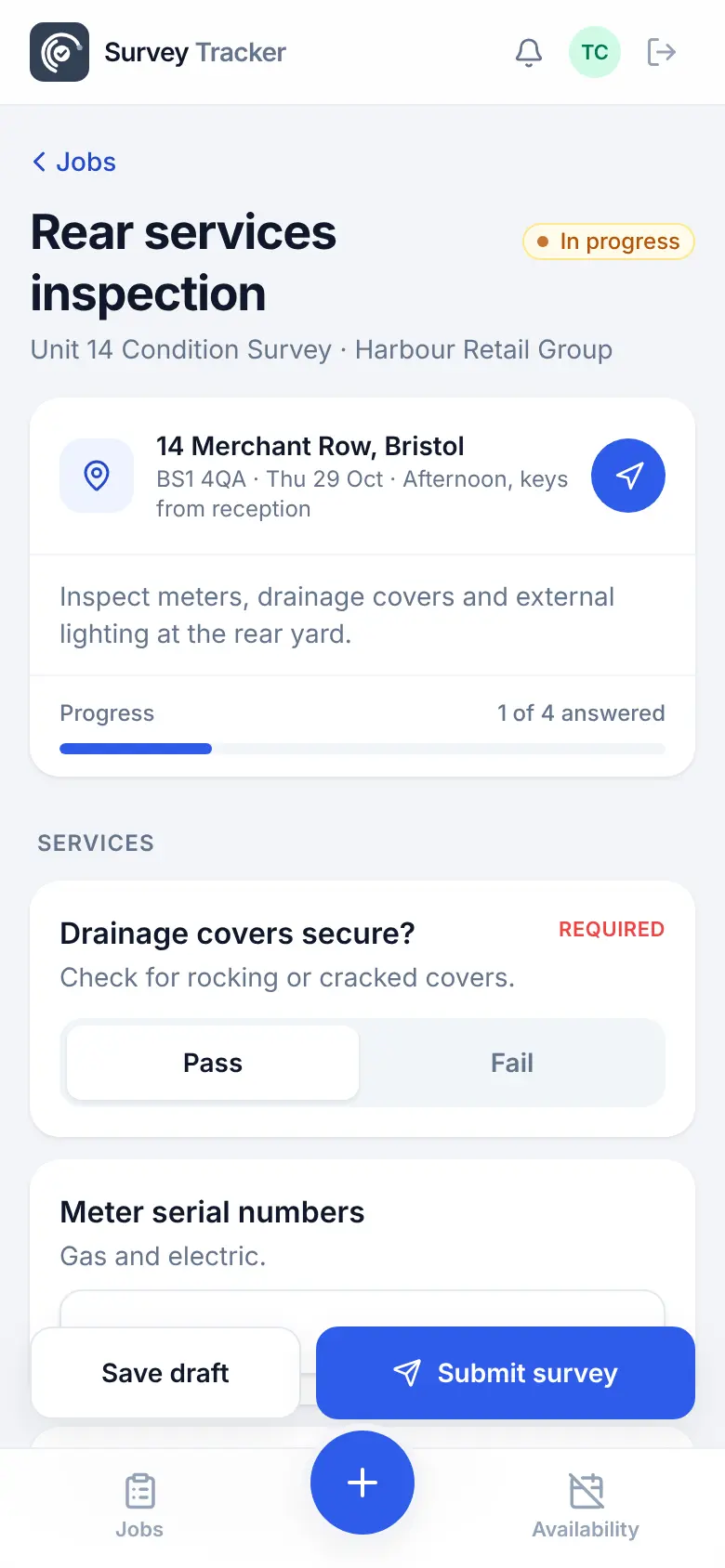
Pass or fail questions, with a required photo when an item fails.
To your own team or a contractor, with the site, date and access notes.
Photos, GPS location and notes captured against each answer.
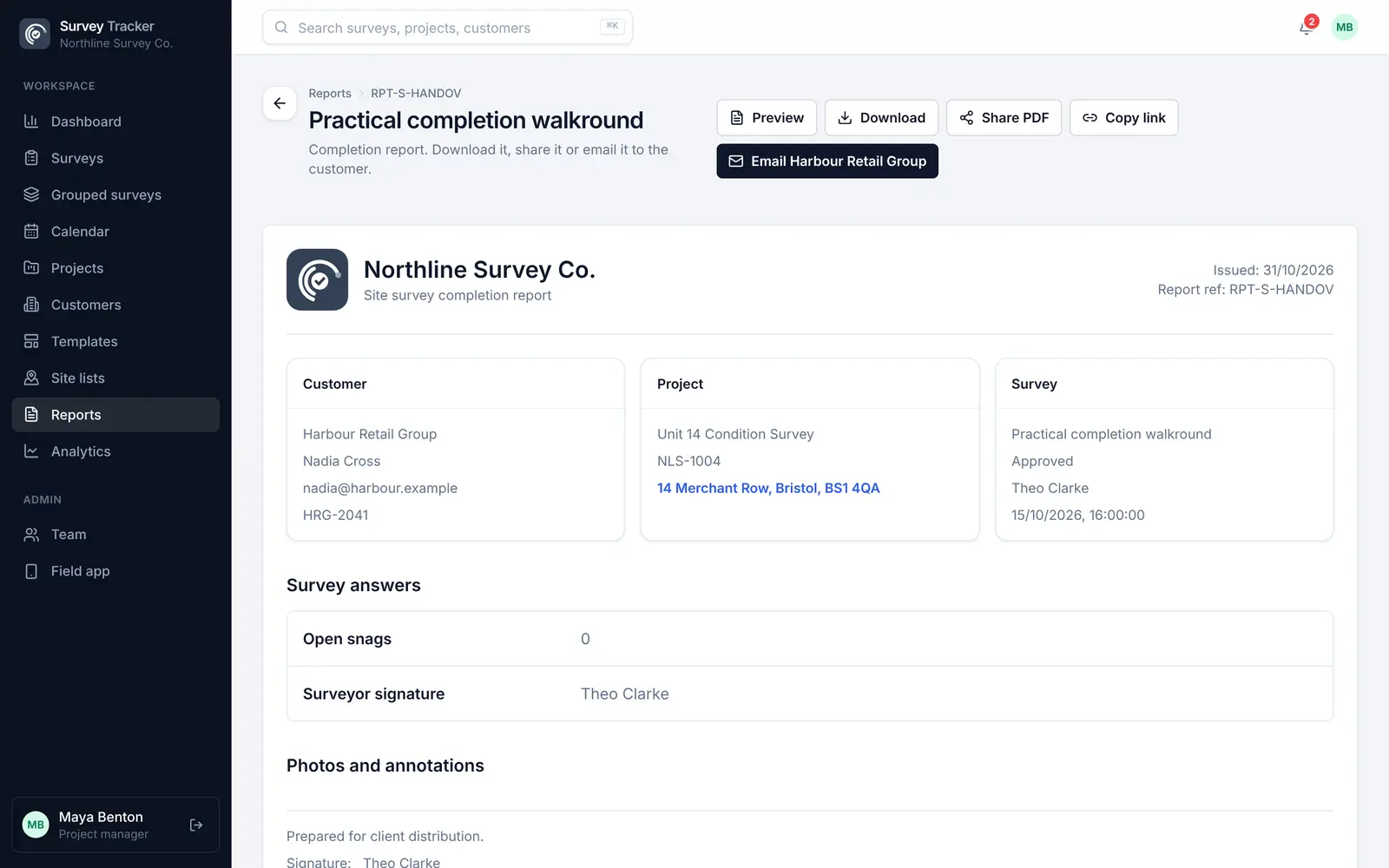
The office checks and approves; any correction is recorded.
A branded PDF with every answer and photo, ready to file or share.
Features
Clear outcomes for each check, ready to filter and report on.
Evidence can't be skipped when a question needs it.
Ask follow-up questions only when an item fails, or only at certain sites.
Every edit after the visit is recorded with who made it and when.
Nothing reaches the client until someone in the office approves it.
On supported Android phones, estimate distances with the camera, clearly flagged as an AR estimate.
Example template
Build your own template once, with the question types you need, and reuse it on every job. Required questions can't be skipped, and rules hide questions that don't apply.
Template
Questions
Yes. Question rules can show a required photo question only when an item fails, so evidence is always captured for problems.
Yes. Changes made to a survey after it's sent are recorded in the audit log, including corrections made after approval.
Yes. A contractor can be invited by more than one company and sees each company's jobs in one field app.
No. AR measuring gives an estimate on supported Android phones. Answers measured this way are marked as an AR estimate in the app and on the PDF.
Get in touch
Tell us a little about your team and we'll set up a demo using the kind of surveys you do every day. Or jump straight into the live demo.