Notes retyped back at the desk
Clipboard notes and camera-roll photos become an evening of copying into a Word template.

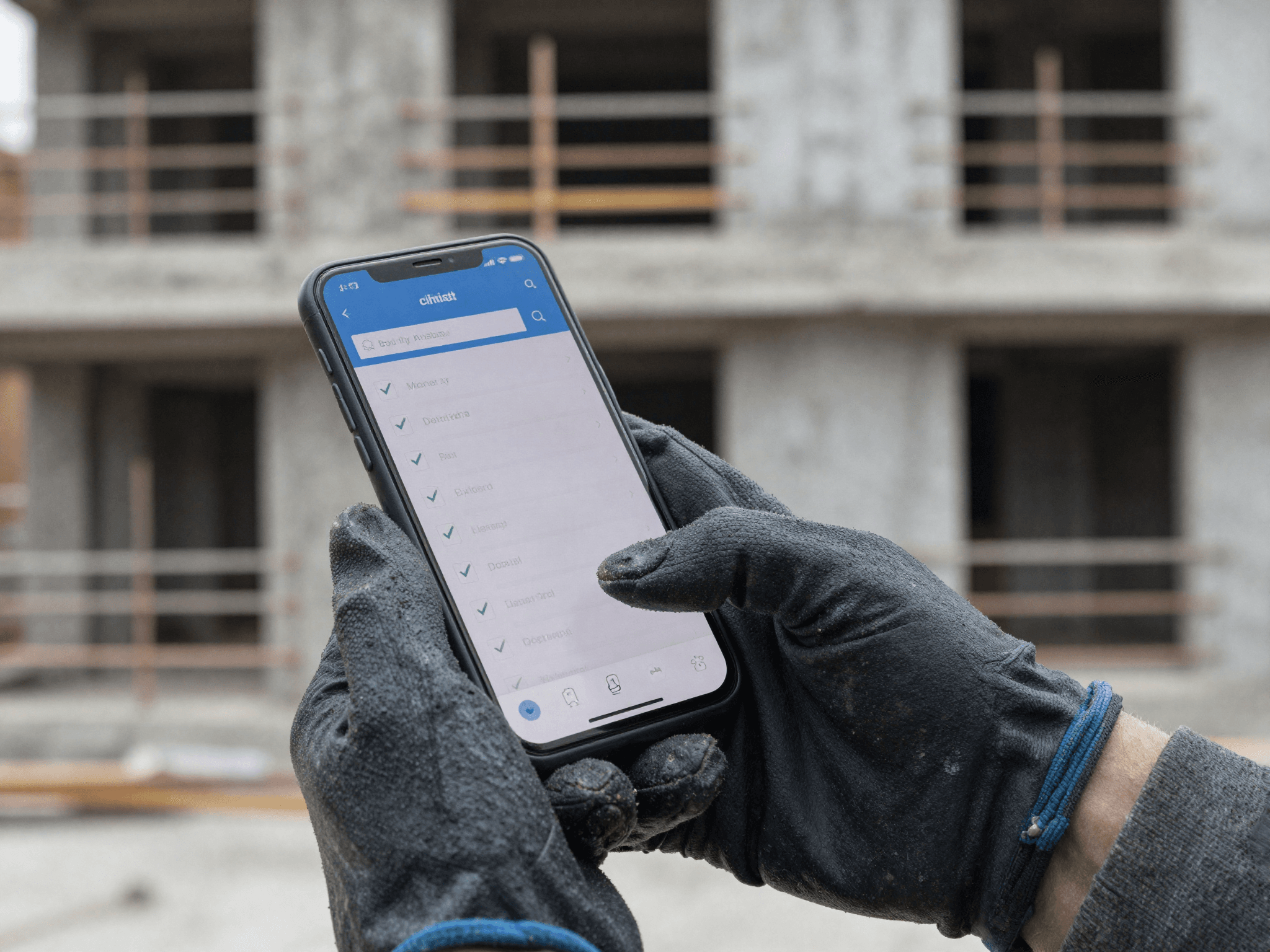
Building and site surveys
Condition surveys, pre-fit-out checks and schedules of condition, captured on the phone and approved in the office. No retyping notes, no photos lost in a camera roll, and the client has a branded PDF the same day.
The problem
Clipboard notes and camera-roll photos become an evening of copying into a Word template.
One forgotten measurement or photo and someone is back in the van.
Each surveyor has their own layout, so clients never get a consistent document.
How it works
The office plans and approves on the desktop. The team in the field works from a phone app that keeps going with no signal.
Pick the customer, project, site address and date, then choose a template. It takes seconds.
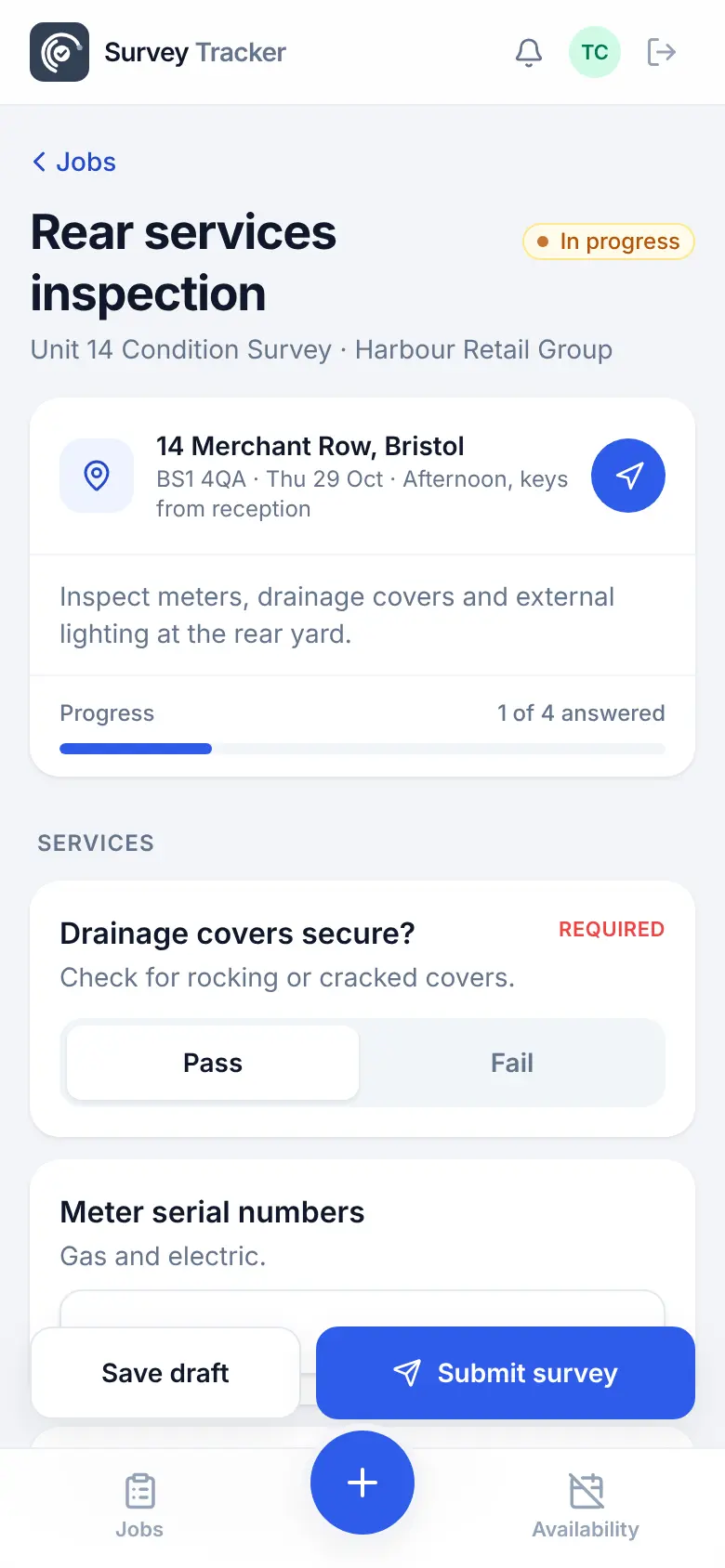
The job lands in their list with the date, access notes and a Get directions button.
Pass or fail, measurements in mm, marked-up photos, GPS check-in and the client's signature.
Answers save on the phone and send themselves when signal comes back.
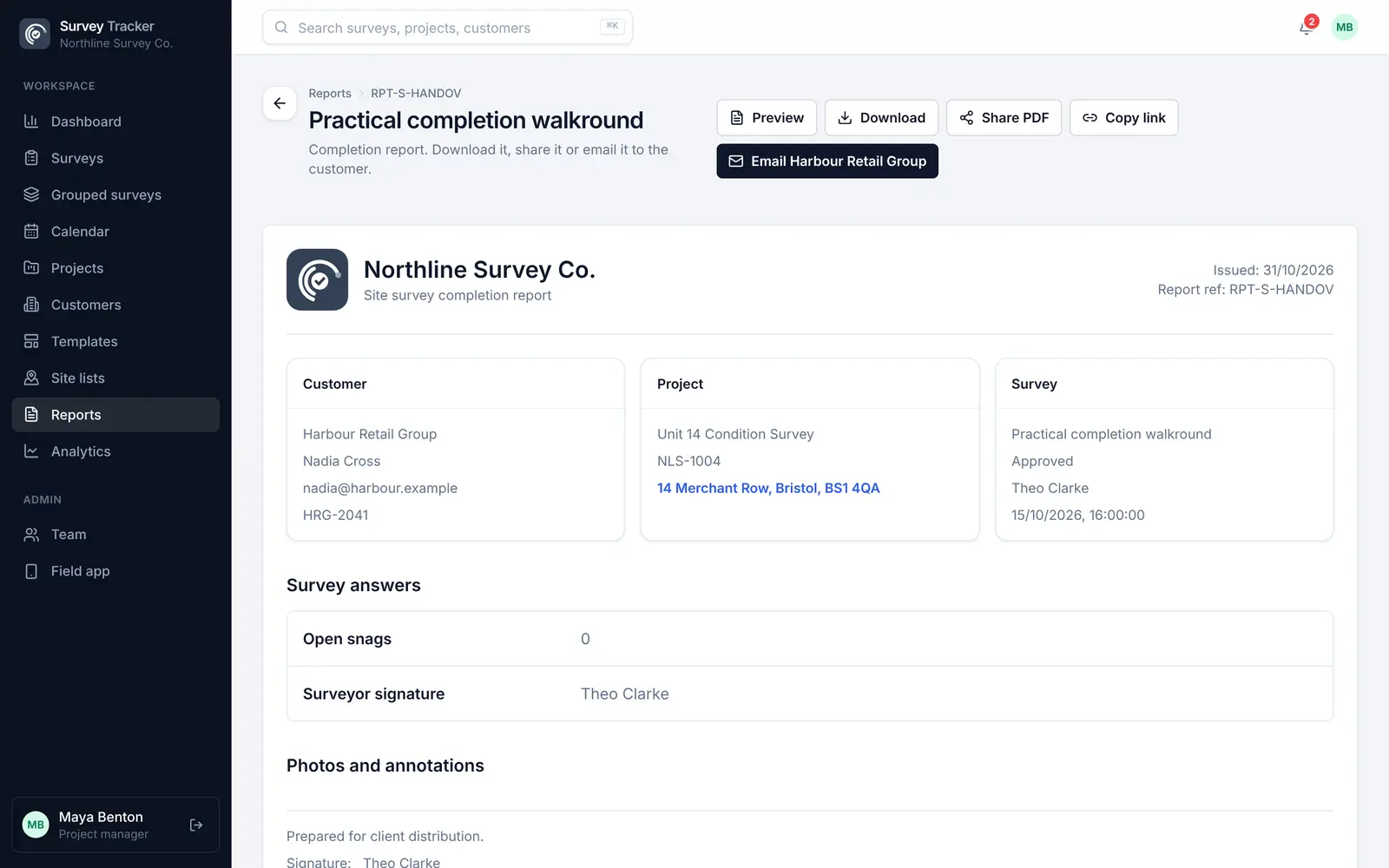
Every answer and photo in one view. Corrections are recorded in the audit log.
A branded PDF with your logo and every marked-up photo. Download it, email it or share a link.
Features
Mark a question or a photo as required and the survey can't be sent without it.
Each survey has its own unit, mm by default, and each measurement can use its own.
Arrows, circles, notes and measured lines drawn straight onto site photos, with zoom.
A locked GPS location proves the visit; an editable address keeps the report tidy.
The client signs on the surveyor's screen, and the signature is locked once captured.
Generated files, not page prints, with your logo, customer details and photos.
Example template
Build your own template once, with the question types you need, and reuse it on every job. Required questions can't be skipped, and rules hide questions that don't apply.
Template
Questions
Yes. Build your checklist once as a template, with sections, required questions, measurements and photo questions, then reuse it for every survey. Question groups let you drop a named set of questions, such as an elevation, into any checklist.
Yes. The field app keeps working offline. Answers and photos are saved on the phone and sent automatically when signal returns, and photos can be set to send on Wi-Fi only.
A generated PDF report with your branding, the customer and site details, every answer, marked-up photos and the signature. You can download it, email it or send a share link.
Yes. A no-login link lets an outside surveyor fill in a single survey with just their name and email. They can save and come back, and once sent it drops into your normal review.
Get in touch
Tell us a little about your team and we'll set up a demo using the kind of surveys you do every day. Or jump straight into the live demo.