Inspections in five places
Some on paper, some in email and some in a contractor's own format.


Facilities and property
Plan inspections across a portfolio of buildings, put them on the calendar, and send them to your own team or to contractors. Every visit leaves a dated record with photos and GPS, so the history of each site is always there.
The problem
Some on paper, some in email and some in a contractor's own format.
When a dispute comes up, there's no dated photo or location to show what was checked.
Without one calendar, planned inspections slip between teams.
How it works
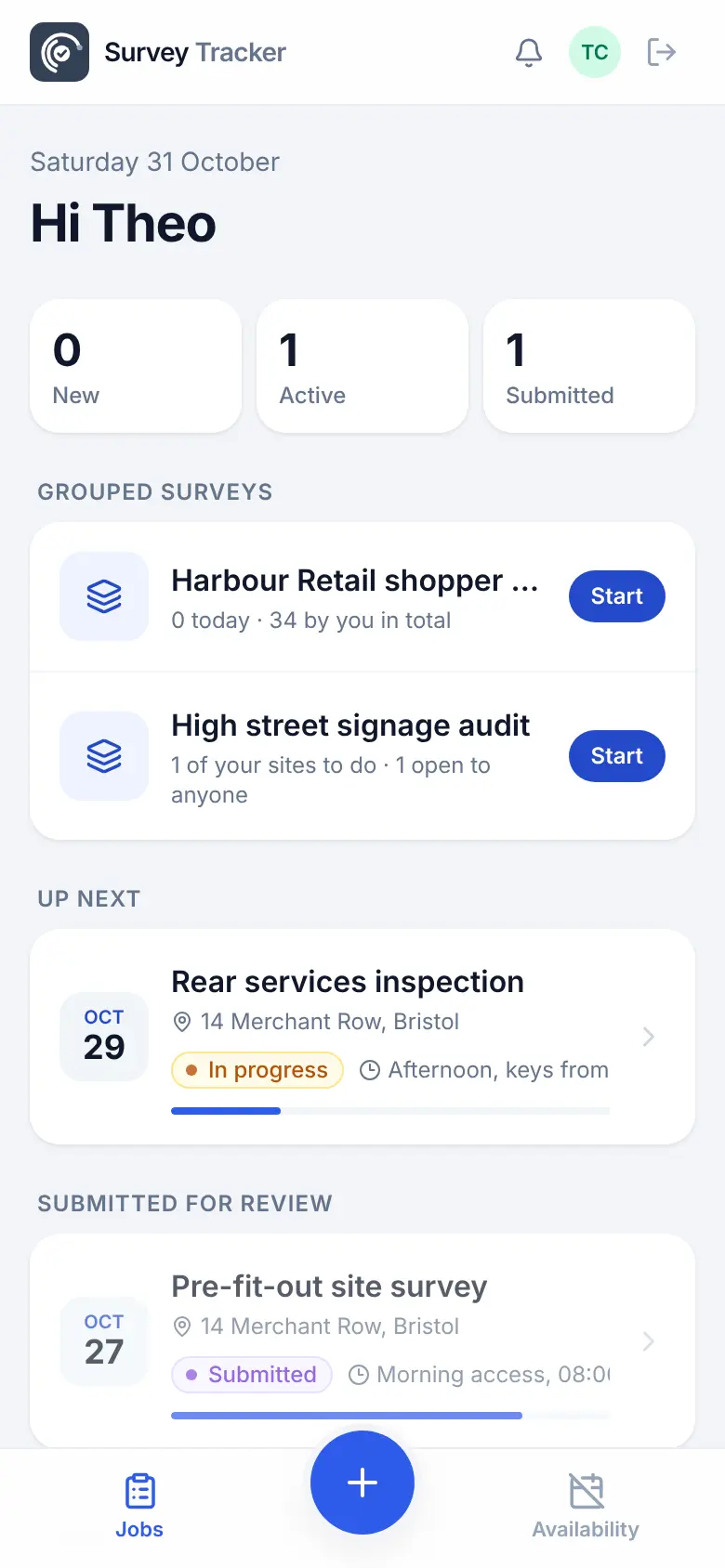
The office plans and approves on the desktop. The team in the field works from a phone app that keeps going with no signal.
Customers, projects and sites with addresses and access notes.
Schedule visits on the calendar from your templates and assign a person.
Pass or fail checks, required photos and a GPS check-in on every visit.
Fill gaps in the office without reassigning, with every change audited.
Every report stays against the site, ready if there's a question later.
Features
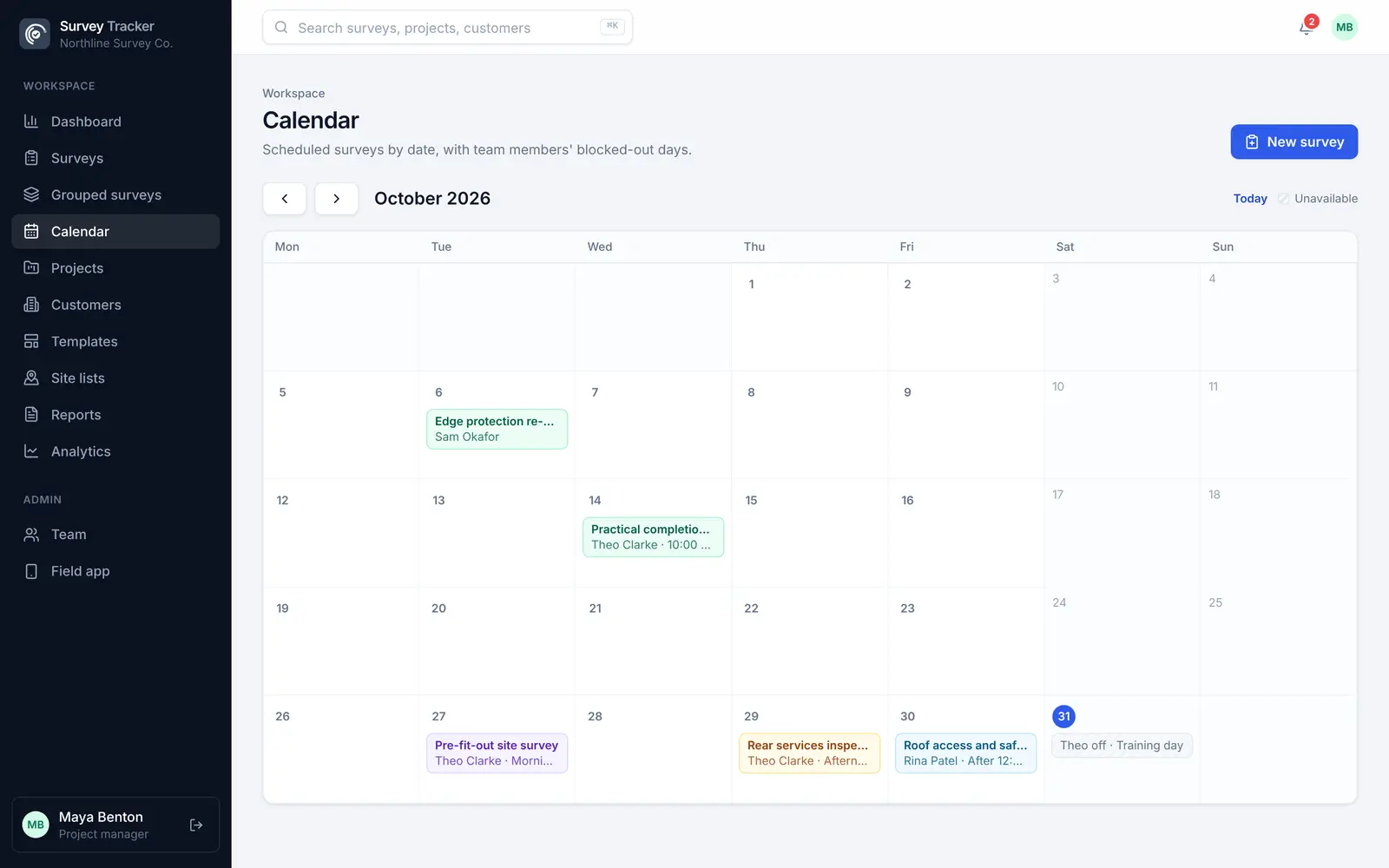
See who is where each day, and what's coming up across the portfolio.
One inspection template per building type, reused across every site.
Send inspections to outside contractors, who keep their own proof of work.
A required photo for every bay or room, recorded before a tenant moves in.
A locked GPS answer shows the inspection happened on site.
A PDF per inspection, with your logo, for landlords, tenants or clients.
Example template
Build your own template once, with the question types you need, and reuse it on every job. Required questions can't be skipped, and rules hide questions that don't apply.
Template
Questions
Yes. Contractor accounts accept jobs on their phone and carry out the inspection. Your team reviews and approves before anything is signed off.
Yes. Make a photo required for every bay or room, add a GPS check-in, and the approved report becomes a dated record of the condition.
Yes. The calendar shows every planned survey and who it's assigned to, and surveyors can set their availability.
Office admins can fill in or correct any survey without reassigning it, and every change is recorded.
Get in touch
Tell us a little about your team and we'll set up a demo using the kind of surveys you do every day. Or jump straight into the live demo.