Evenings spent on paperwork
The survey takes an hour; writing it up takes another two.


Trades and contractors
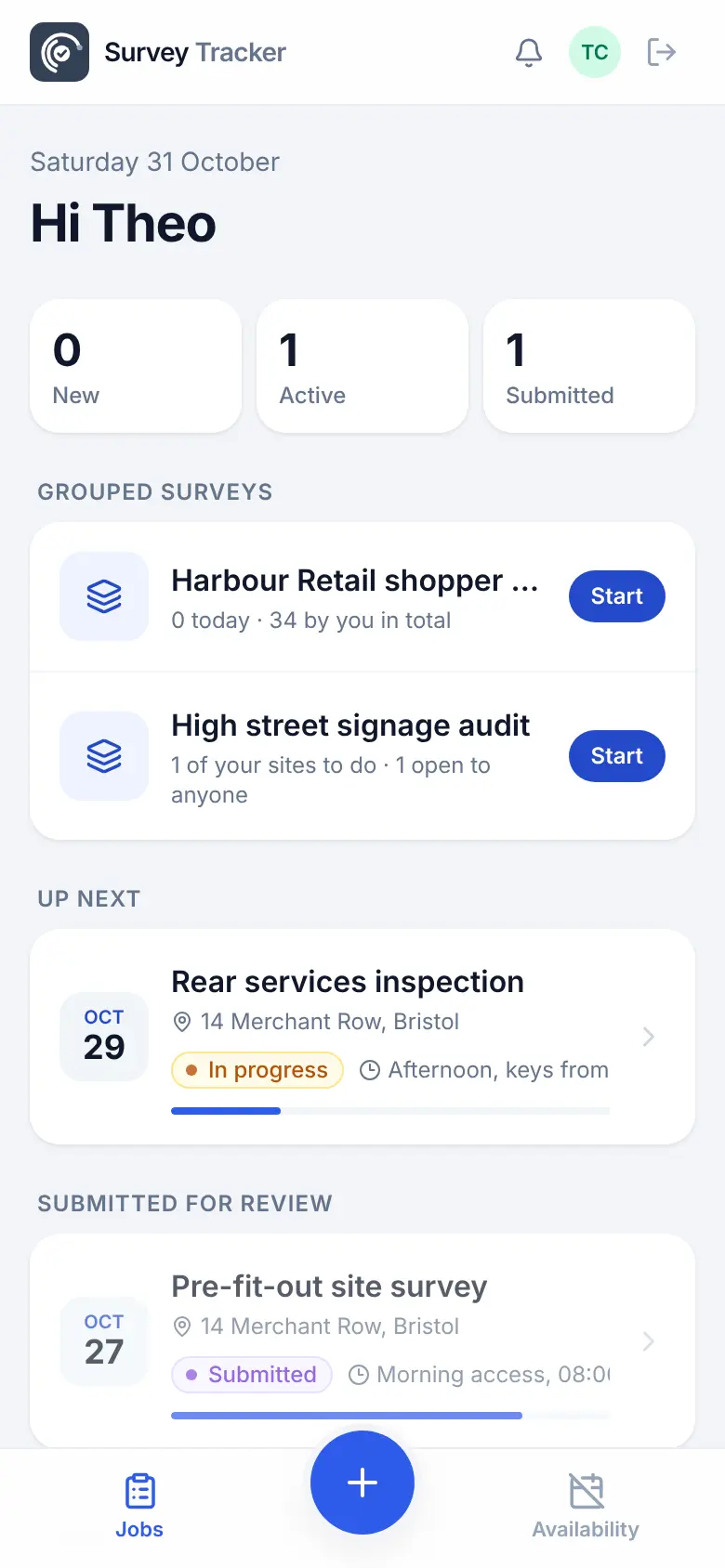
Survey a job, take marked-up photos and measurements, and send a professional report without going back to the office. If you work for bigger firms, accept their jobs in the same app and keep your own proof of work.
The problem
The survey takes an hour; writing it up takes another two.
Each firm you work for has its own paperwork.
Without dated photos, it's your word against theirs.
How it works
The office plans and approves on the desktop. The team in the field works from a phone app that keeps going with no signal.
Create it yourself, or accept a job sent by a firm you work for.
Checklists, measurements, marked-up photos and a signature.
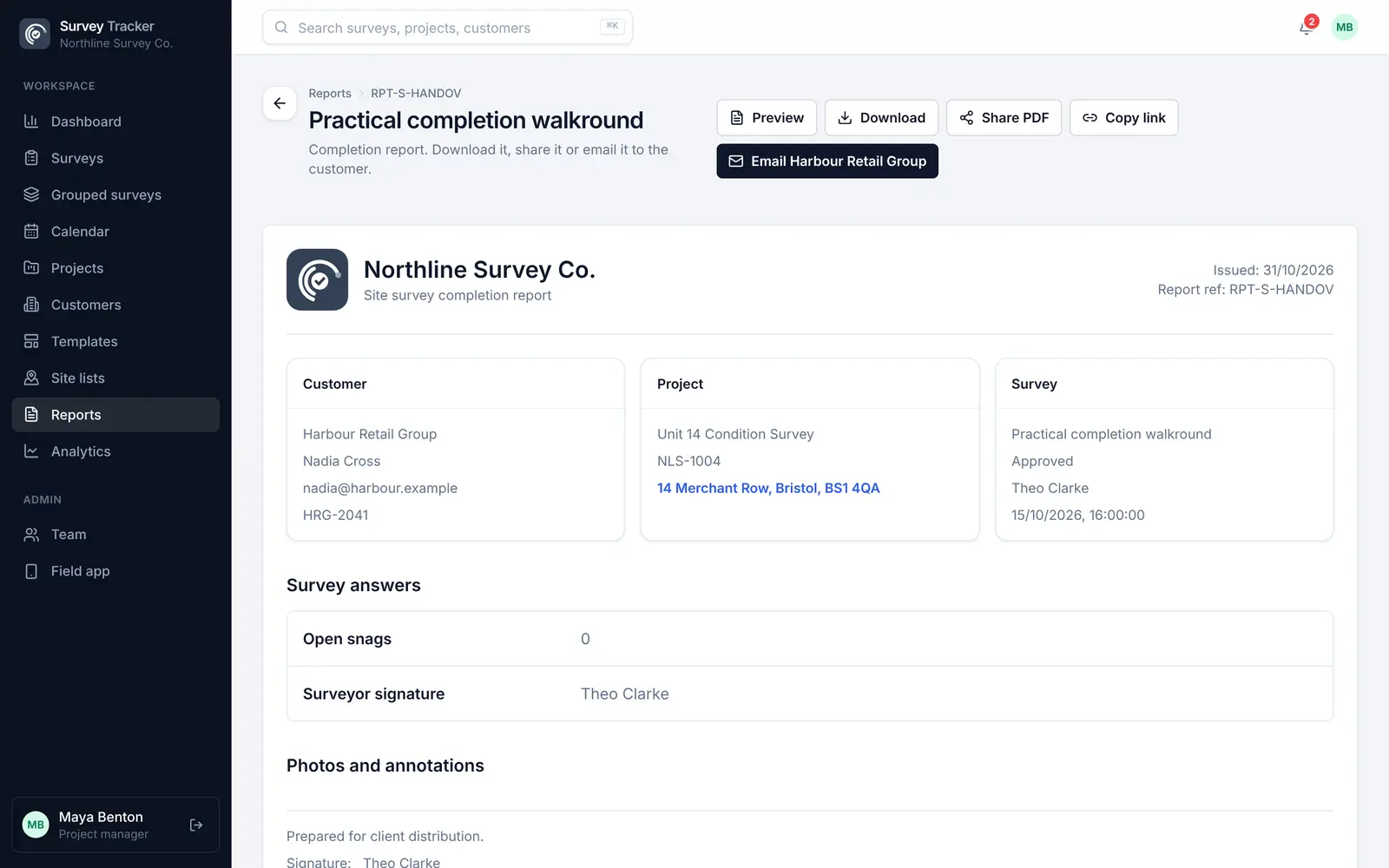
A branded PDF with your logo, sent before you leave the drive.
Features
No app store needed, and an Android app is available too.
Accept jobs from more than one firm in one field app.
Build your checklists once and reuse them on every job.
Show exactly what you mean with arrows, notes and measurements.
Unlimited users on every plan; you pay for approved surveys, not seats.
Lofts, basements and rural jobs with no signal are fine.
Example template
Build your own template once, with the question types you need, and reuse it on every job. Required questions can't be skipped, and rules hide questions that don't apply.
Template
Questions
No. The field app installs from your phone's browser in a couple of taps. An Android app is also available.
Yes. Contractors can be invited by more than one company and see each company's jobs in one list.
You pay for approved surveys, not for users. Every plan includes unlimited users, and new companies start with free credits to try it.
Yes. Reports carry your company logo and details, and a white label add-on removes the Survey Tracker branding.
Get in touch
Tell us a little about your team and we'll set up a demo using the kind of surveys you do every day. Or jump straight into the live demo.